How to Follow People on Uplift
Nov 13, 2025
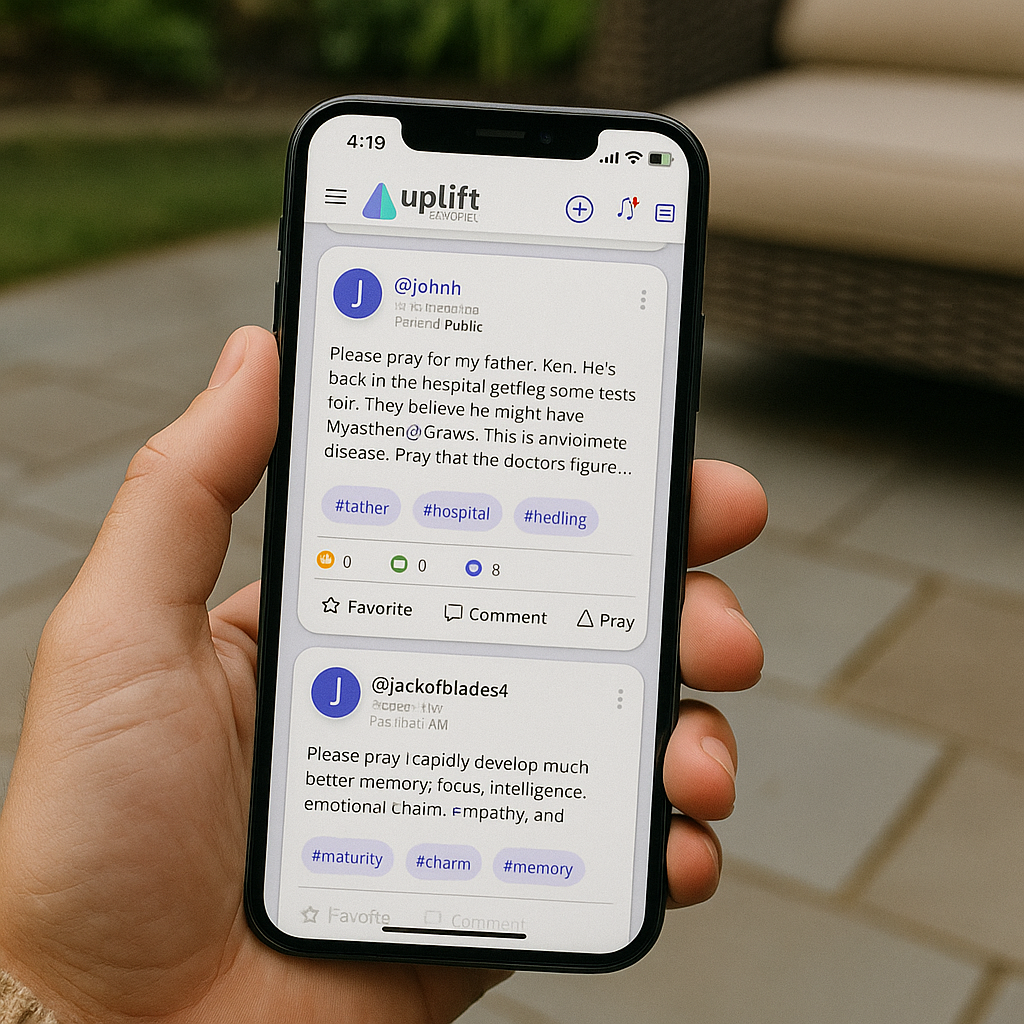
In Uplift, the people you follow are called connections. Following someone allows you to stay updated on their spiritual journey. You’ll be notified whenever that person posts a prayer, comments on a prayer, or marks a prayer as answered.
Who should you follow? Family, friends, church members, coworkers—anyone in your life you want to stay spiritually connected with. Your connections form a personal prayer network that grows more meaningful with every interaction.
To follow people:
- Go to the Connections page by tapping the third icon from the left at the bottom of the app.
- Tap the Add Connection button, then search by name or handle and add them.
- You can also follow someone by tapping their handle name anywhere in the app, then tapping the Follow button on their profile page.
To remove someone from your Connections list, go to the Connections page, slide their name to the left, and tap Delete.
Following people helps you stay engaged and prayerfully supportive of those who matter most. Build your prayer community, one connection at a time.