Privacy Options in Uplift
Nov 27, 2025
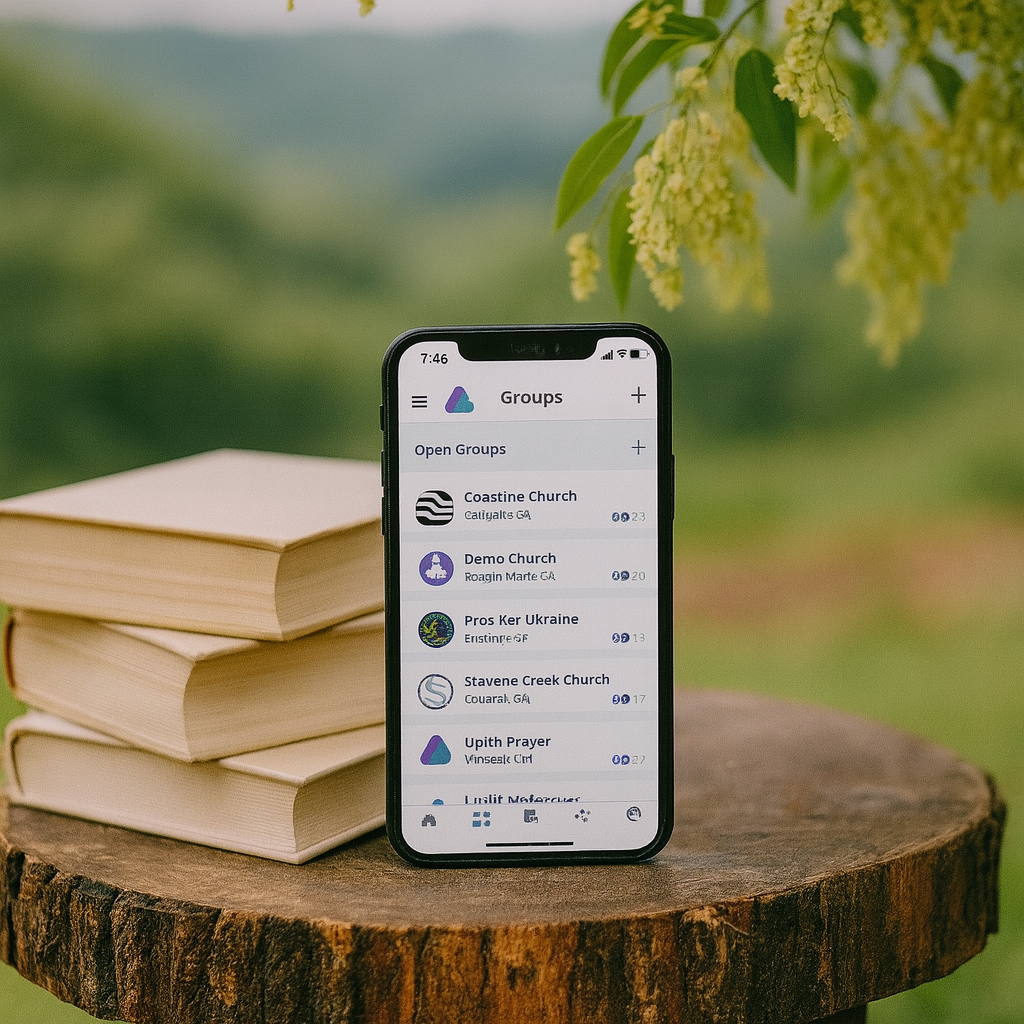
At Uplift, we take privacy very seriously. Prayer is a deeply personal practice, and we are committed to ensuring that your requests are treated with care and integrity. With that in mind, there are several ways you can enhance your privacy while using the app.
If you prefer that your name not be visible to others, you can ensure only your handle name appears. To enable this setting, tap the Menu icon, select Settings, then tap Privacy. Check the option labeled Hide Your Profile, and your name and profile details will no longer be visible to other users. You may return to this setting and change it at any time.
Also on the Privacy page, you can choose not to display your active status in the app's chat feature. When this option is disabled, others will not see when you're currently active.
Additionally, you have control over who is allowed to send you private messages. You can limit access by selecting or deselecting the Public, Groups, and/or Connections options. This lets you tailor your messaging experience based on your preferences and comfort level.
If you ever feel that your privacy has been compromised in any way, please do not hesitate to contact the Uplift Team. We are here to help and want to ensure your time on Uplift is safe, supportive, and honoring to God.